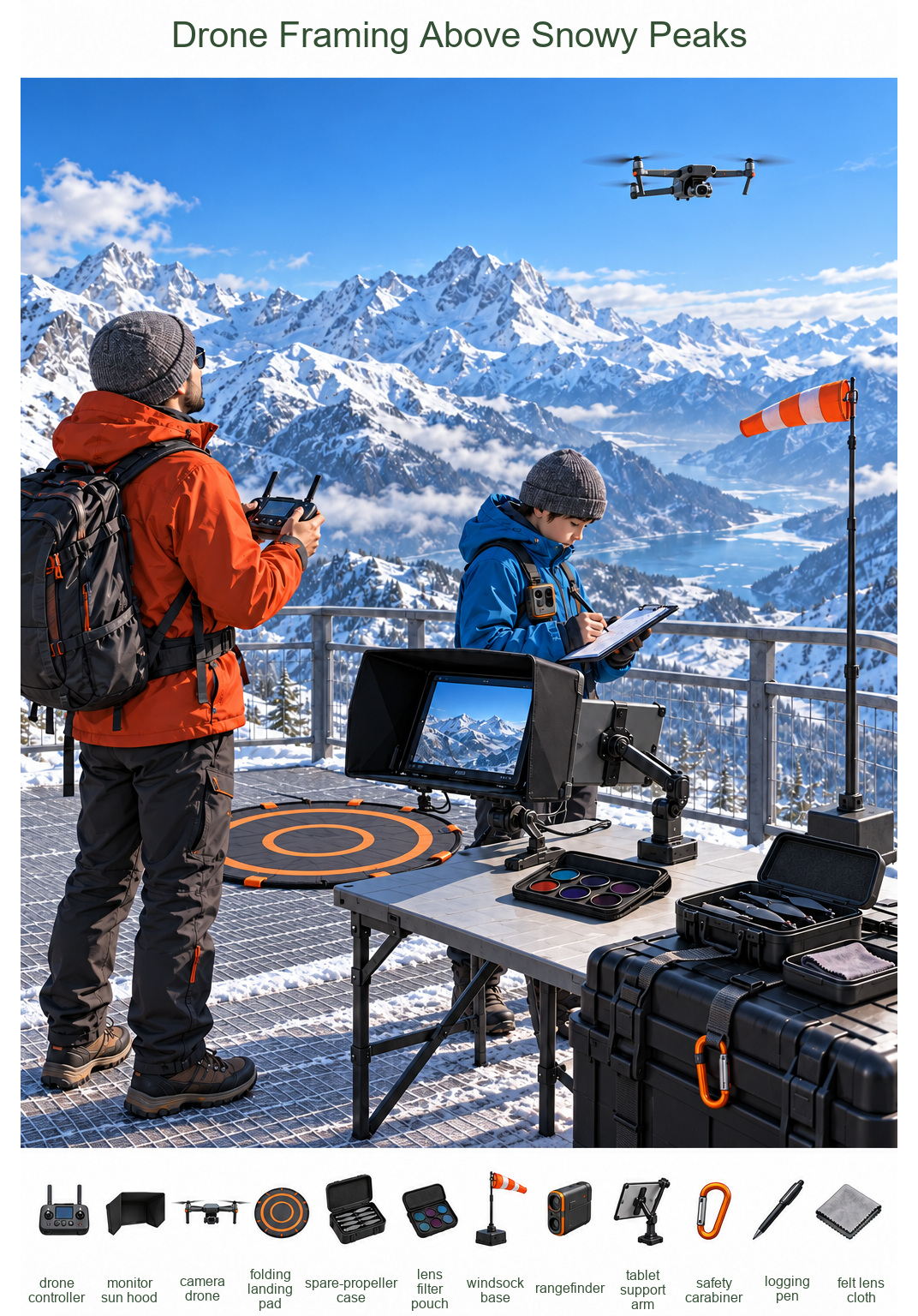
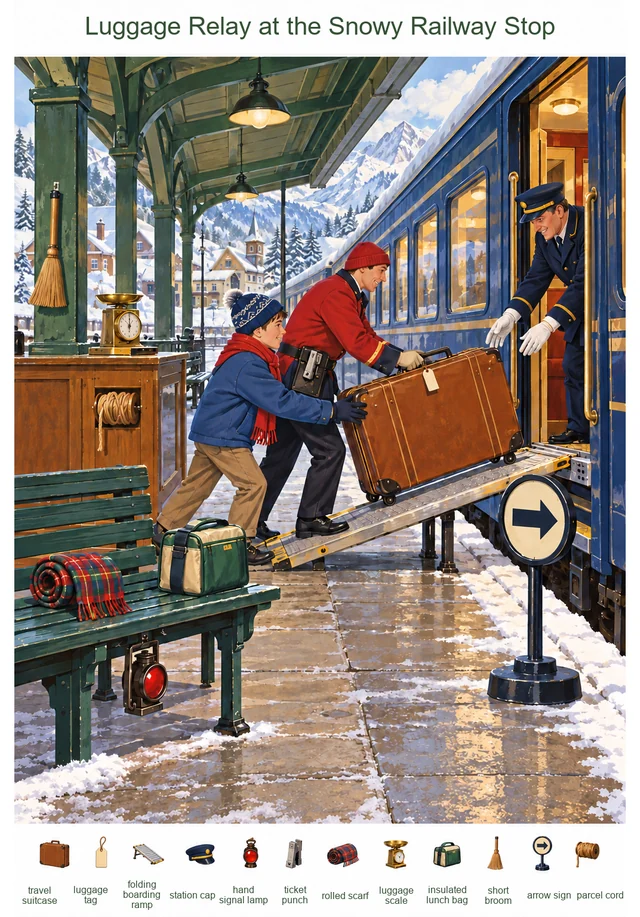
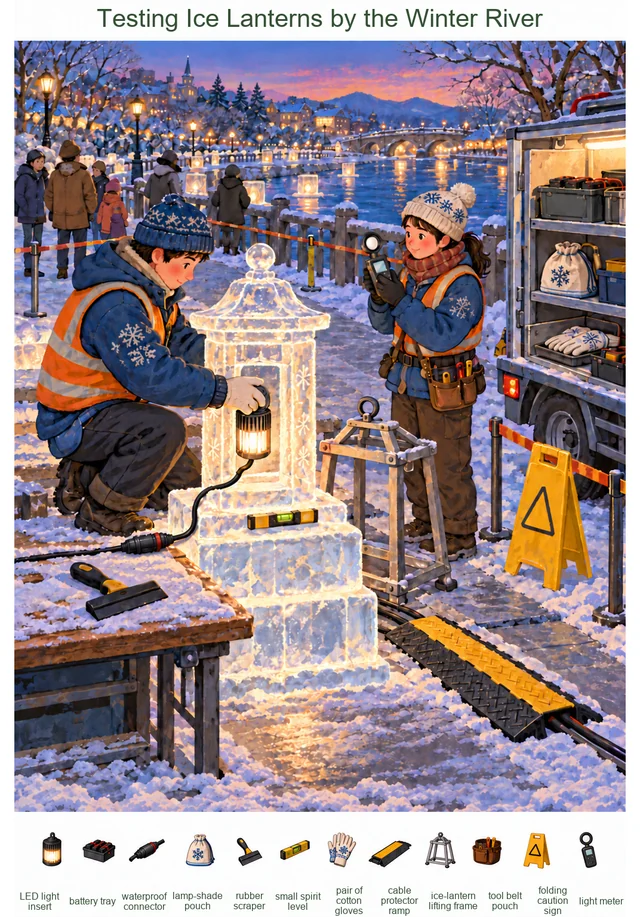
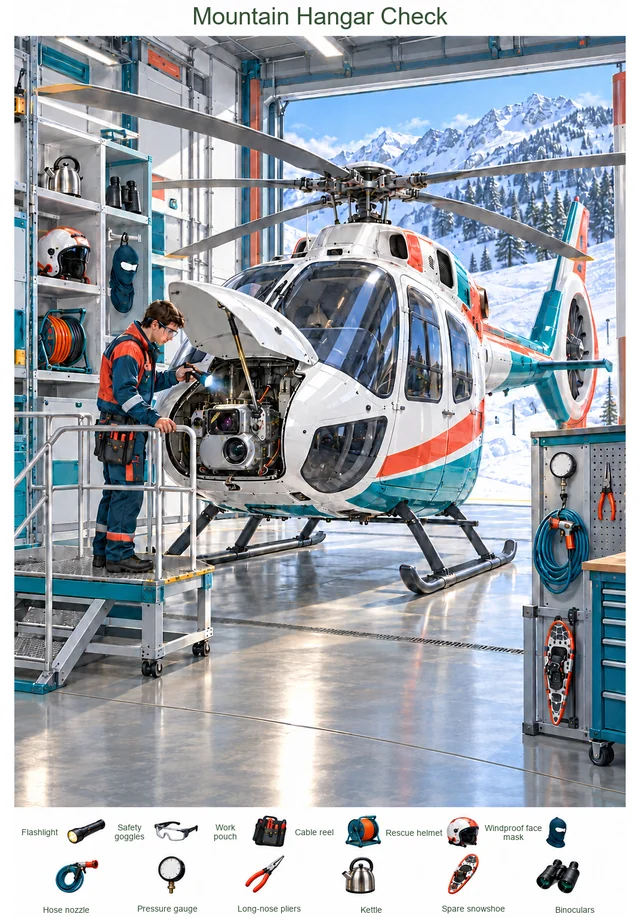
Use this printable hidden picture for a Winter search-and-find activity for ages 13–17. Find 12 hidden objects, including drone controller, monitor sun hood and camera drone. Difficulty: hard (L4). Includes Color / Line art / Answer key. Use Line art for coloring. Check your finds with the Answer key. Browser printing can also save as PDF. Scene: Drone Framing Above Snowy Peaks.
On a viewing platform above snowy peaks, an operator controls a camera drone while a companion measures distance and logs notes. A folding landing pad rests on the deck.
3-page print layout: 1. Color · 2. Line art · 3. Answer key. Choose Print, then your printer or Save as PDF. Choose page 2 to print just the line art. Free for personal and classroom use. No sign-up needed.
On a viewing platform above snowy peaks, an operator controls a camera drone while a companion measures distance and logs notes. A folding landing pad rests on the deck. A sun hood shades the monitor and an arm supports the tablet. The equipment area holds a spare-propeller case, filter pouch and lens cloth; a safety carabiner clips to the case and a weighted windsock stands near the railing.
Find these 12 targets: drone controller, monitor sun hood, camera drone, folding landing pad, spare-propeller case, lens filter pouch, windsock base, rangefinder, tablet support arm, safety carabiner, logging pen, felt lens cloth.
Make it your own
Search on your own, compare discoveries with a partner, or color the line art after finding the objects. Keep the Answer key separate until you are ready to check.
Read the 12 object names together before searching. Say each word, look at its shape, and then find the matching object in the scene.
Object words and observation prompts for this puzzle
Word
Meaning or search cue
Say it
drone controller
Find the object named drone controller. Compare its outline and small details with the matching shape in the scene.
Say drone controller aloud. Can you describe its shape without pointing to it?
monitor sun hood
Find the object named monitor sun hood. Compare its outline and small details with the matching shape in the scene.
Say monitor sun hood aloud. Can you describe its shape without pointing to it?
camera drone
Find the object named camera drone. Compare its outline and small details with the matching shape in the scene.
Say camera drone aloud. Can you describe its shape without pointing to it?
folding landing pad
Find the object named folding landing pad. Compare its outline and small details with the matching shape in the scene.
Say folding landing pad aloud. Can you describe its shape without pointing to it?
spare-propeller case
Find the object named spare-propeller case. Compare its outline and small details with the matching shape in the scene.
Say spare-propeller case aloud. Can you describe its shape without pointing to it?
lens filter pouch
Find the object named lens filter pouch. Compare its outline and small details with the matching shape in the scene.
Say lens filter pouch aloud. Can you describe its shape without pointing to it?
windsock base
Find the object named windsock base. Compare its outline and small details with the matching shape in the scene.
Say windsock base aloud. Can you describe its shape without pointing to it?
rangefinder
Find the object named rangefinder. Compare its outline and small details with the matching shape in the scene.
Say rangefinder aloud. Can you describe its shape without pointing to it?
tablet support arm
Find the object named tablet support arm. Compare its outline and small details with the matching shape in the scene.
Say tablet support arm aloud. Can you describe its shape without pointing to it?
safety carabiner
Find the object named safety carabiner. Compare its outline and small details with the matching shape in the scene.
Say safety carabiner aloud. Can you describe its shape without pointing to it?
logging pen
Find the object named logging pen. Compare its outline and small details with the matching shape in the scene.
Say logging pen aloud. Can you describe its shape without pointing to it?
felt lens cloth
Find the object named felt lens cloth. Compare its outline and small details with the matching shape in the scene.
Say felt lens cloth aloud. Can you describe its shape without pointing to it?
Write a short list of the object names, or describe one find while a partner guesses the word. Then return to the picture and look for the next object. See the how-to-play guide for more ways to use the pages.
Printing tips for this puzzle
What is in the three pages?
Page 1 is Color for a picture search, page 2 is Line art for finding and coloring, and page 3 is the Answer key. Switching the preview above does not change this three-page print layout.
Paper size and fit
The print layout uses Letter paper (8.5 × 11 inches) with space around the artwork. For A4, choose Fit to page and check the print preview so every border stays visible. Turn off browser headers and footers to avoid extra dates and URLs.
Print only the page you need
Choose page 2 in the print dialog to print just the Line art. Use it as a coloring sheet or an ink-friendly search page. Choose page 1 for Color, or page 3 for a separate Answer key.
Keep the answer separate
Leave the Answer key on screen until you finish, or print page 3 separately. For a group activity, use individual search pages so everyone can mark their own discoveries at their own pace.
Save a copy from your browser
After the three images finish loading, choose Print and select your printer or Save as PDF. Check the selected page numbers before saving. Personal, family and your own classroom or group use follow the site terms.
Questions about this puzzle
How many objects are hidden in this puzzle?
There are 12 objects to find: drone controller, monitor sun hood, camera drone, folding landing pad, spare-propeller case, lens filter pouch, windsock base, rangefinder, tablet support arm, safety carabiner, logging pen, felt lens cloth. Use the separate Answer key when you are ready to check their locations.
What age is this puzzle for?
The suggested age is 13–17 years. Ages and difficulty are guides: choose a version that feels comfortable, and work together if helpful.
Can I print only the line art page?
Yes. Choose page 2 in the three-page print dialog. Line art can be used on its own for finding and coloring. Page 1 is Color and page 3 is the Answer key.
Do I need an account to print?
No sign-up is needed to print this free set. Open Print / Save as PDF, wait for the three pages to load, and choose your printer or Save as PDF.
Can I use this in a classroom or co-op?
Free puzzles and purchased sets can be printed for personal use, your family, or your own classroom or group under the site terms. Reselling, repackaging or uploading the files to another public website is not included.
Read the usage terms for classroom and group permissions, or contact us if something on this page needs attention.